SAVE VTR 250 Filter Replacement – Can You Do It Yourself?
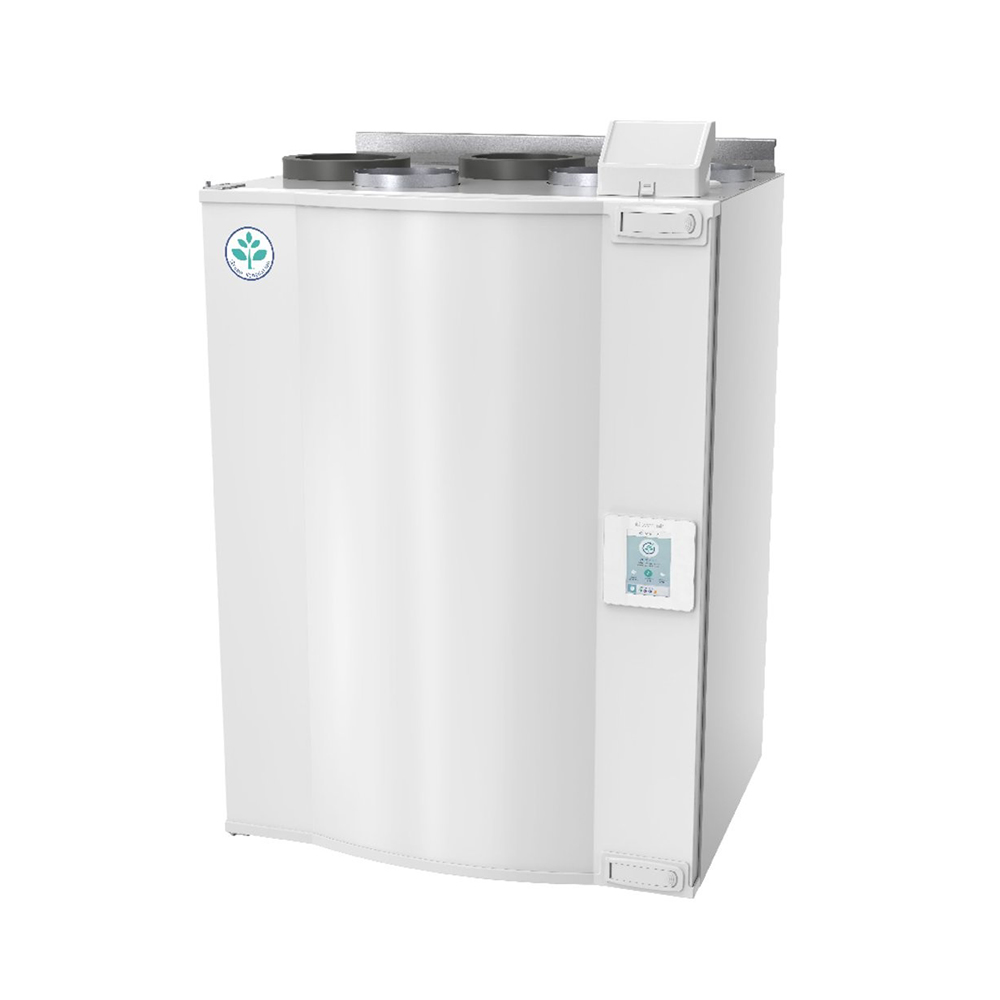
SAVE VTR 250 Filter Replacement – Can You Do It Yourself?
Yes, you can. Replacing filters in the Systemair SAVE VTR 250 is a simple DIY task if you follow a few basic steps and use the correct replacement filter kit.
Why replace SAVE VTR 250 filters regularly?
Filters in your SAVE VTR 250:
- Capture dust, pollen and other particles
- Protect the heat exchanger and fans
- Help keep airflow, efficiency and lower noise
Clogged filters mean higher energy use, stuffy rooms and more wear on the unit. As a rule, check filters every few months and replace them about every 6–12 months (follow your Systemair manual).
Filter options for Systemair SAVE VTR 250
All SAVE VTR 250 replacement filter kits are available here:
Systemair → SAVE VTR models → SAVE VTR 250
https://filters24.eu/category/systemair-filters/save-vtr-models/save-vtr-250
Replacement filter kit (compatible)
- Cost‑effective replacement filter
- Fully compatible with Systemair SAVE VTR 250
Original Standard Kit (STD kit #145923)
- Genuine Systemair original filters
- Same spec as factory filters
Carbon filter kit (for odours and VOC)
- Activated carbon media
- Helps reduce smells and certain VOCs
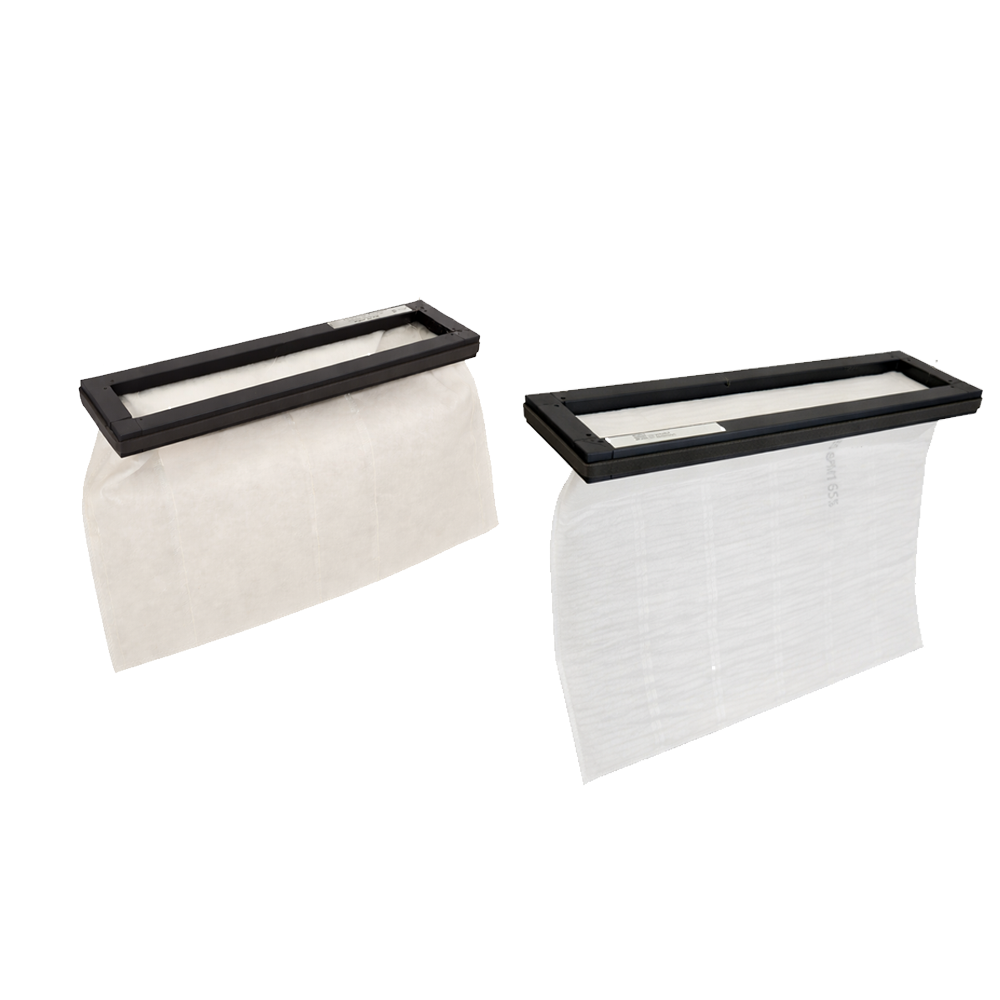
Nanowave filter kit
- Advanced Nanowave material
- High efficiency with low air resistance
OPT kit 1 #145779 (on request)
- Higher class supply filter F8 / ePM1 70%
- For fine dust, allergies, more polluted areas
Short step‑by‑step: SAVE VTR 250 filter change
Always follow your Systemair manual. General steps:
-
Switch off power
Turn off the unit and, if possible, disconnect power. -
Open the front cover
Release latches/screws and open the access door. -
Remove old filters
Note positions and airflow arrows, then pull out the old filters carefully. -
Clean inside
Gently remove loose dust with a soft cloth or vacuum (no water or chemicals). -
Insert new replacement filters
Put the new filters from your chosen kit in the correct places, align airflow arrows, ensure no gaps at the sides. -
Close and secure the cover
Close the door and lock all latches/screws. -
Restore power and reset filter alarm
Switch power on, start the unit and reset the filter change indication in the menu.
Video guide
See the SAVE VTR 250 filter replacement process step by step in this video:
https://www.youtube.com/watch?v=FpjEEsR1qNY
Order your SAVE VTR 250 replacement filter kit
Choose the right replacement filter kit for Systemair SAVE VTR 250 in our online store and keep your ventilation unit efficient and your indoor air clean: